
Imagine stepping into a space that seamlessly merges your passion for gaming with the thrill of streaming.
In today’s digital age, creating a streaming studio within your game room not only enhances your gaming experience but also elevates your online presence.
From backdrop designs to lighting setups, the possibilities are endless.
Join us on this journey as we uncover 13 ways to turn your game room into the ultimate streaming studio, blending aesthetics with functionality.
Note: As an Amazon Associate, I earn from qualifying purchases. We aim to provide accurate product links, but some may occasionally expire or become unavailable. If this happens, please search directly on Amazon for the product or a suitable alternative.
1. Optimize Your Lighting
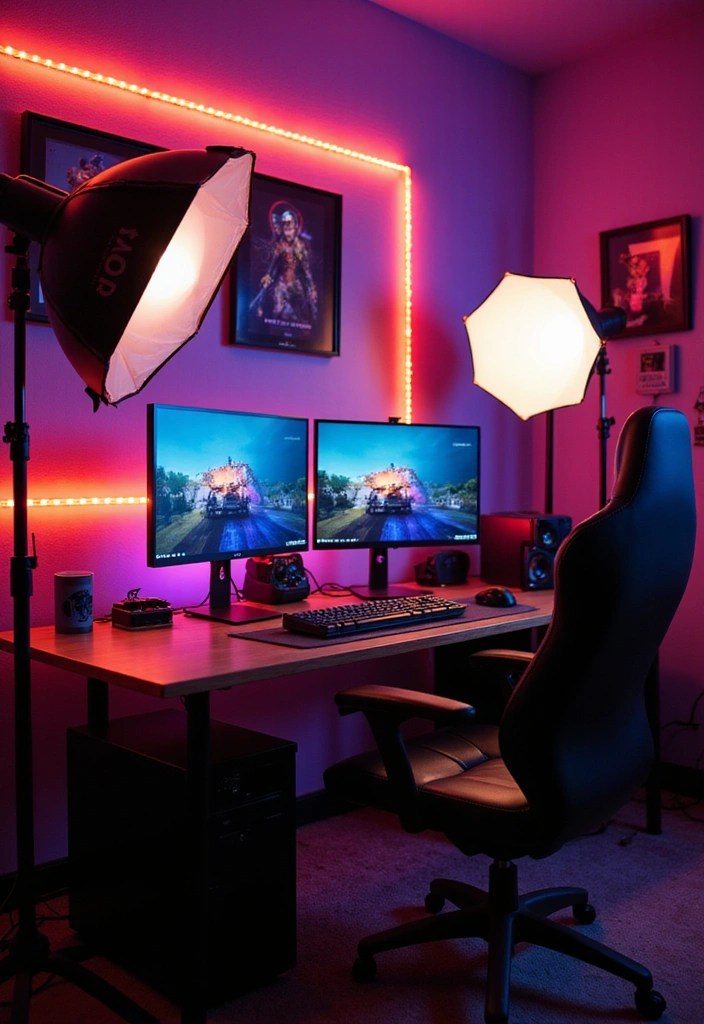
Lighting plays a pivotal role in defining your streaming setup, as it can significantly impact the overall video quality. To achieve that polished, professional look, consider investing in a ring light that can be adjusted to minimize shadows and enhance your on-screen presence.
If you prefer a more traditional approach, a softbox lighting kit is an excellent choice for creating soft, even illumination. Additionally, leveraging natural light can be beneficial; position your streaming setup near a window while using light diffusers to soften any harsh rays that might disrupt your video quality.
To add an extra layer of depth to your background, consider incorporating LED light strips that can be synced with your gaming experience, creating an immersive atmosphere. Don’t forget to experiment with different lighting angles to discover what best complements your unique streaming style! For even more versatility, smart lighting options like smart bulbs can allow you to easily change colors and brightness to match your mood or theme.
Get the Game Over Aesthetic:
2. Create an Eye-Catching Backdrop
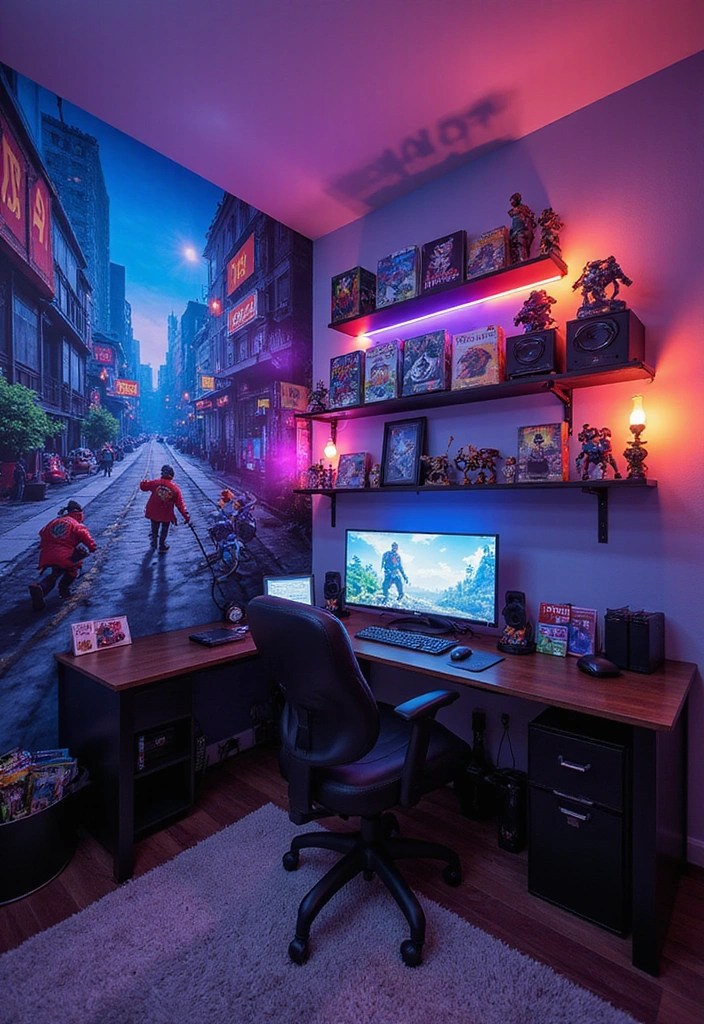
Your backdrop serves as a reflection of your unique personality and can greatly enhance the overall appeal of your stream.
To create an eye-catching visual experience, consider incorporating a blend of wall-mounted shelves to display your favorite games, collectibles, and decor. These shelves not only add depth to your background but also keep everything organized and accessible.
Enhance the personalization of your space with vinyl wall decals or a stunning mural that showcases themes from your favorite games. Additionally, consider adorning your walls with gaming posters that resonate with your streaming brand.
To add a dynamic flair, integrate LED accent lights that can change color and set the mood for your streams. Finally, remember that a clutter-free backdrop not only enhances the aesthetics but also helps maintain viewer focus on you, making your streaming experience even more engaging. For showcasing your collectibles, consider using collectible display cases that keep your prized items safe while allowing them to shine in your backdrop.
Get the Game Over Aesthetic:
3. Invest in Quality Audio Equipment
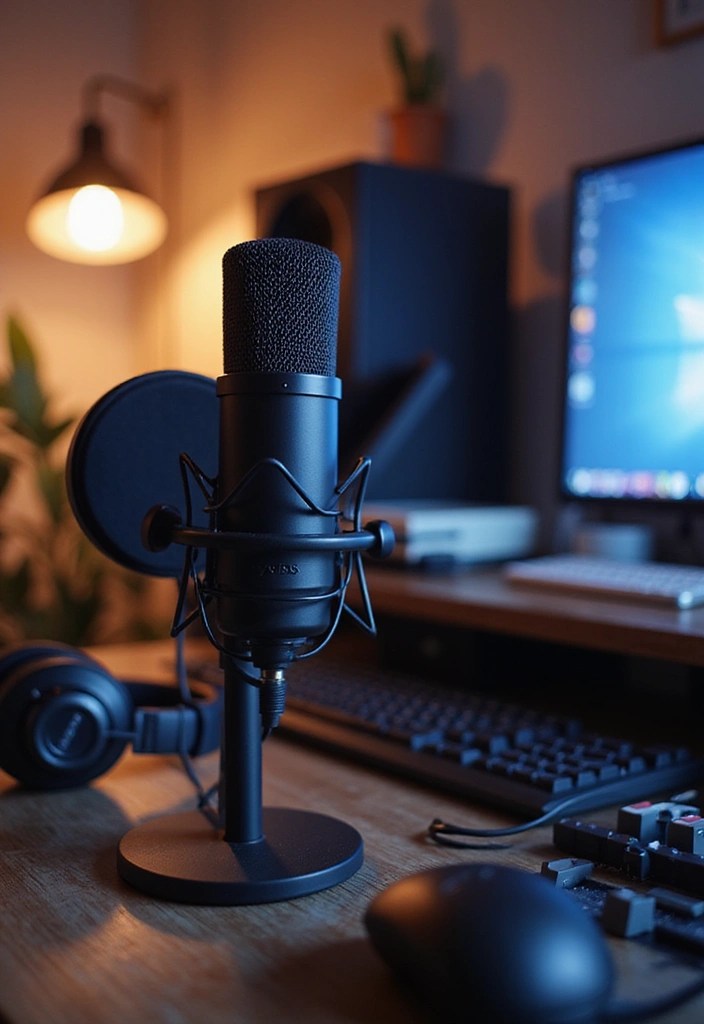
Clear audio is vital for capturing and engaging your audience, making the investment in quality audio equipment indispensable for any aspiring streamer.
A high-quality USB microphone can significantly enhance the clarity of your voice, elevating your streams to a professional level.
To further improve vocal quality and minimize unwanted noise, consider incorporating a pop filter into your setup.
Additionally, a pair of high-quality headphones with excellent sound isolation will help you monitor in-game sounds and your own voice without external distractions.
For those looking to take their audio experience to the next level, investing in an audio mixer and adding soundproofing panels can greatly enhance the overall quality of your streaming audio environment.
Get the Game Over Aesthetic:
4. Choose the Right Streaming Software
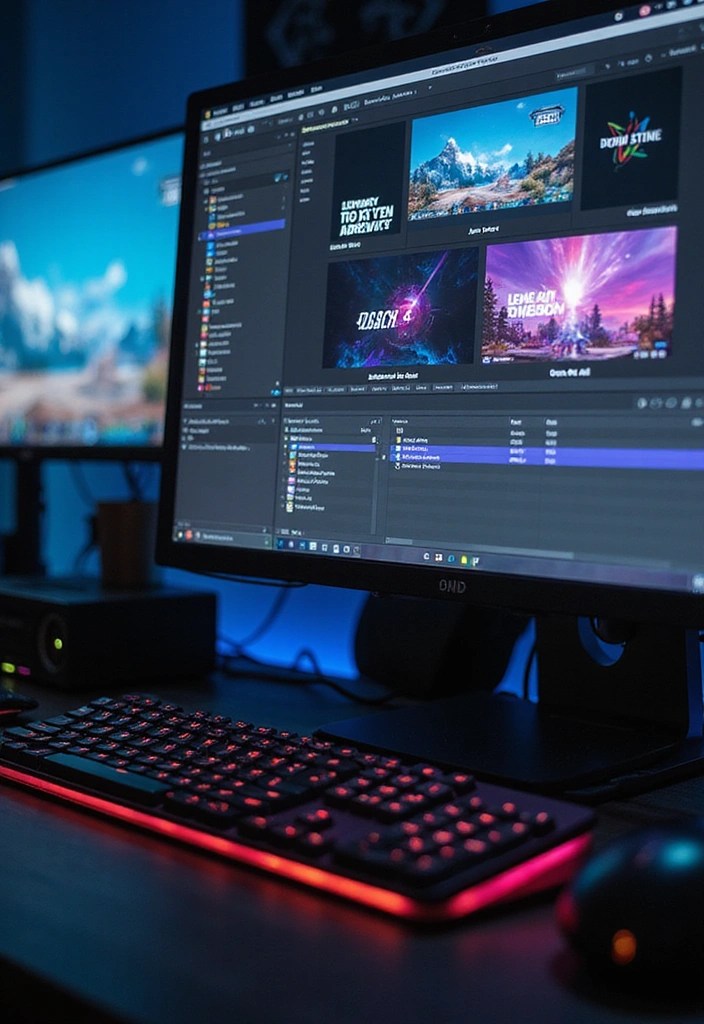
The software you choose plays a crucial role in determining the quality of your streams.
Popular options like OBS Studio and Streamlabs provide customizable interfaces and a wealth of features that can significantly enhance your streaming experience. To elevate your broadcasts, consider investing in a streaming software subscription that suits your needs.
Additionally, take the time to explore various customizable overlays, alert widgets, and other interactive elements that can create an engaging viewer experience.
Don’t forget to familiarize yourself with the software’s settings for optimal performance and adaptability. Experiment with different setups, including using a responsive gaming keyboard and a precise gaming mouse, to discover what resonates best with your audience.
Get the Game Over Aesthetic:
• Razer Huntsman Mini Gaming Keyboard
• Logitech G502 HERO Gaming Mouse
5. Personalize Your Streaming Setup
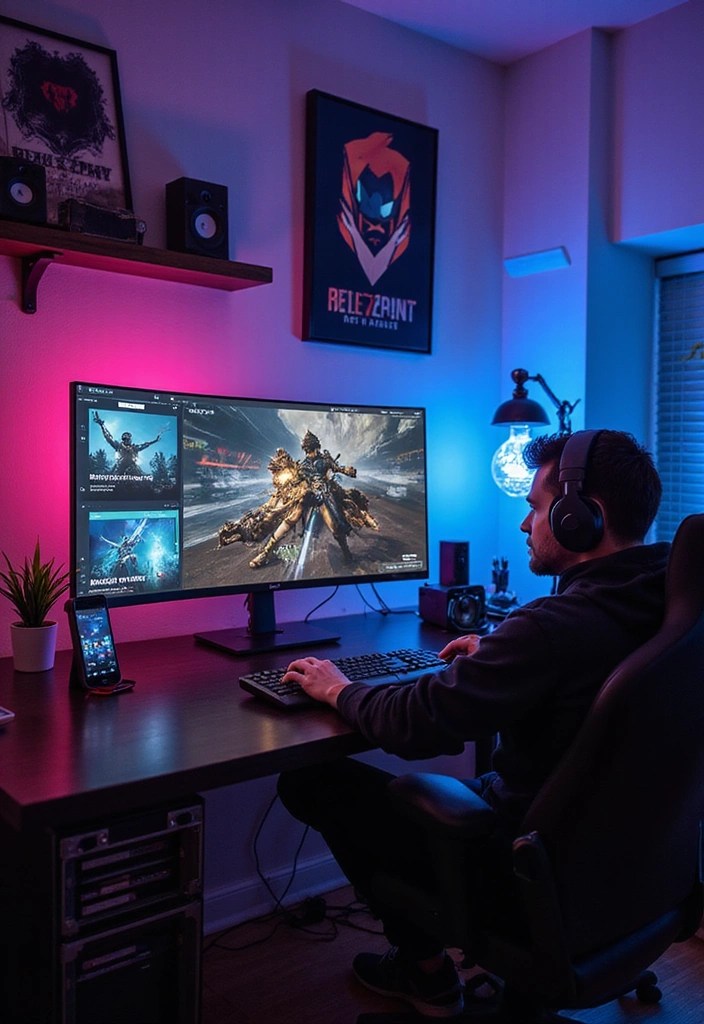
Personalization is crucial for making your mark in the streaming community.
Start by branding your stream with distinctive branding kits that include unique logos, color schemes, and overlays tailored to reflect your gaming style.
Incorporating elements from your favorite games or characters into your design can help create a relatable and engaging atmosphere for your viewers.
Don’t forget to enhance viewer interaction by utilizing stream engagement tools to host polls or giveaways, making your audience feel more involved.
This personal touch not only elevates your stream’s aesthetic but also nurtures a vibrant community around your content. For those looking for further customization, consider exploring custom overlay designs or even logo design services to truly stand out. Additionally, incorporating gaming memorabilia into your setup can further solidify your brand’s identity and resonate with your audience.
Get the Game Over Aesthetic:
6. Upgrade Your Gaming Gear
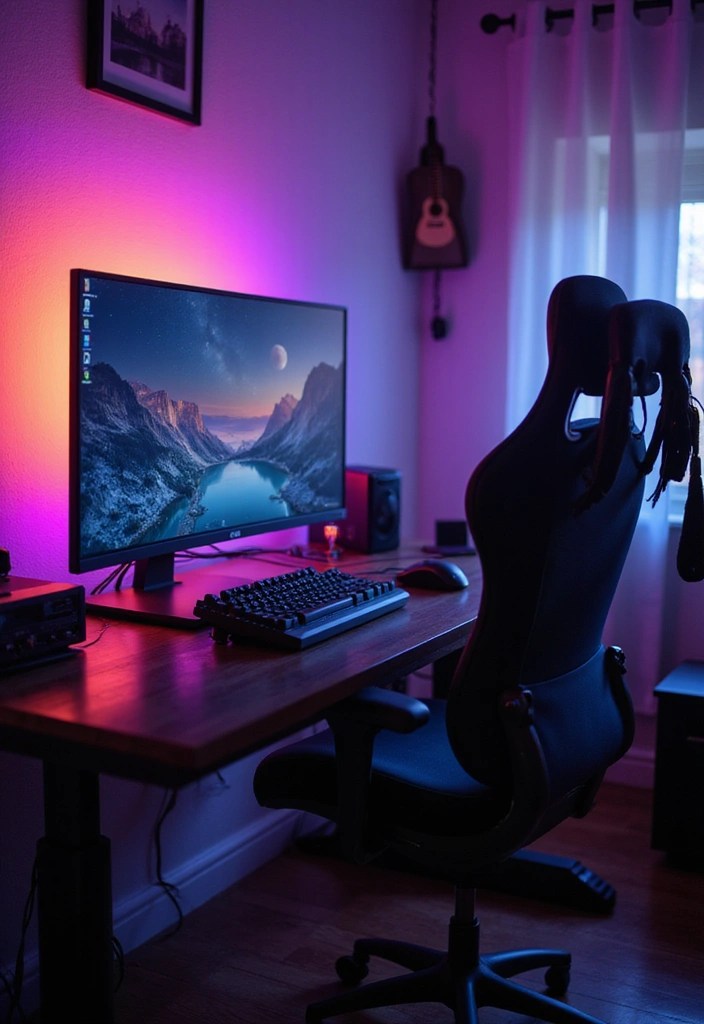
To ensure a smooth streaming experience, upgrading your gaming gear is essential.
Consider investing in a high-refresh-rate monitor for fluid gameplay, allowing you to react quickly and improve your overall performance during streams. A comfortable ergonomic gaming chair is also crucial, providing the support you need for those lengthy streaming sessions.
Additionally, a mechanical keyboard and a gaming mouse can significantly enhance your gaming precision, resulting in a more engaging and enjoyable stream for your audience.
Don’t forget about peripherals like a game controller or a racing wheel if they fit your streaming content. Investing in quality gear not only elevates your gaming experience but also projects a sense of professionalism on camera, adding to your appeal as a streamer.
Get the Game Over Aesthetic:
7. Soundproof Your Space
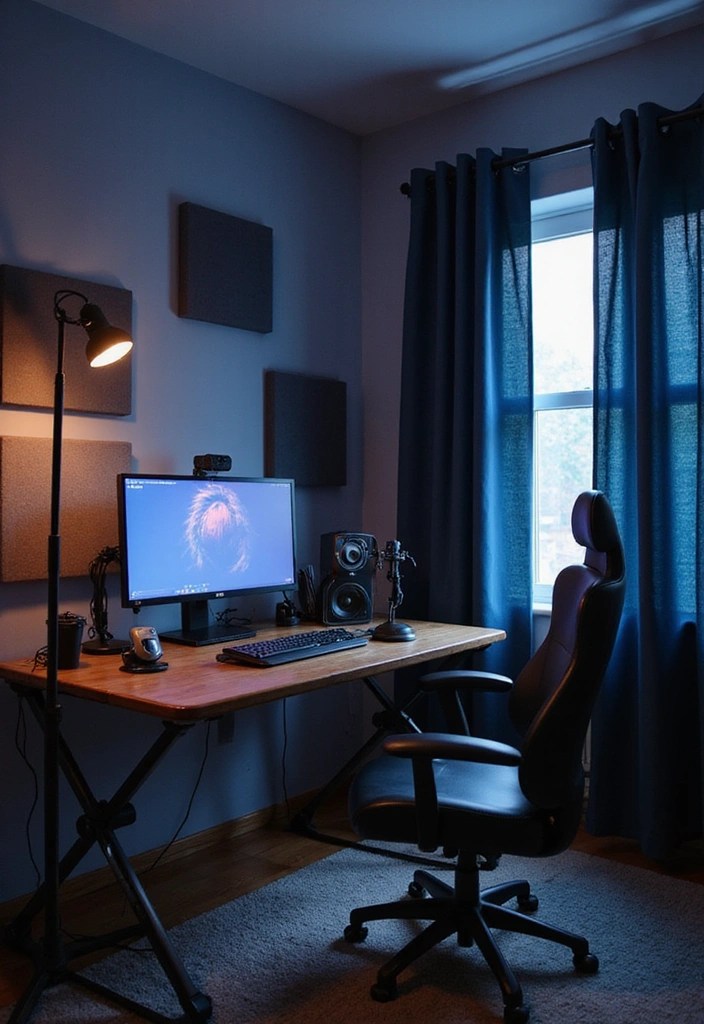
Creating an optimal streaming environment is essential for minimizing external noise distractions that can detract from your content.
One effective way to achieve this is by installing acoustic panels on your walls, which help absorb sound and reduce echo.
Additionally, consider using heavy curtains to block out noise from windows, further enhancing your audio quality.
Don’t forget to add area rugs to your floors; they can significantly help in reducing echo within the room.
Finally, be mindful of your microphone placement—position it away from windows and doors to limit interference from outside noise.
By soundproofing your space effectively, you elevate the overall quality of your stream, allowing viewers to fully engage with your content.
Get the Game Over Aesthetic:
• Area rugs for sound absorption
8. Incorporate Fun Elements
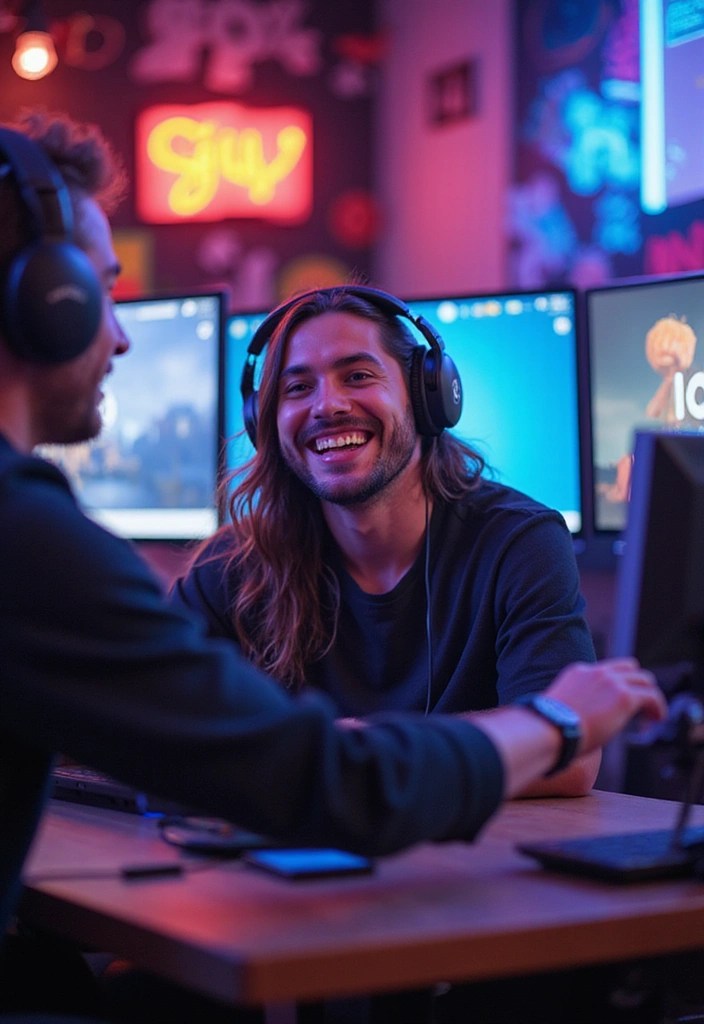
Adding fun elements to your stream can truly set you apart from the competition.
Consider enhancing your broadcasts with sound effect packages that reflect your unique personality and gaming style.
Utilizing animated overlay designs can also make your stream visually engaging, while incorporating humor or themed segments creates memorable moments for your audience.
Engage your viewers with exciting game challenge ideas and viewer interaction tools to keep your content fresh and dynamic.
Don’t forget to plan themed stream events that add excitement and encourage participation, as a little creativity goes a long way in crafting an engaging streaming experience.
9. Use High-Quality Streaming Hardware
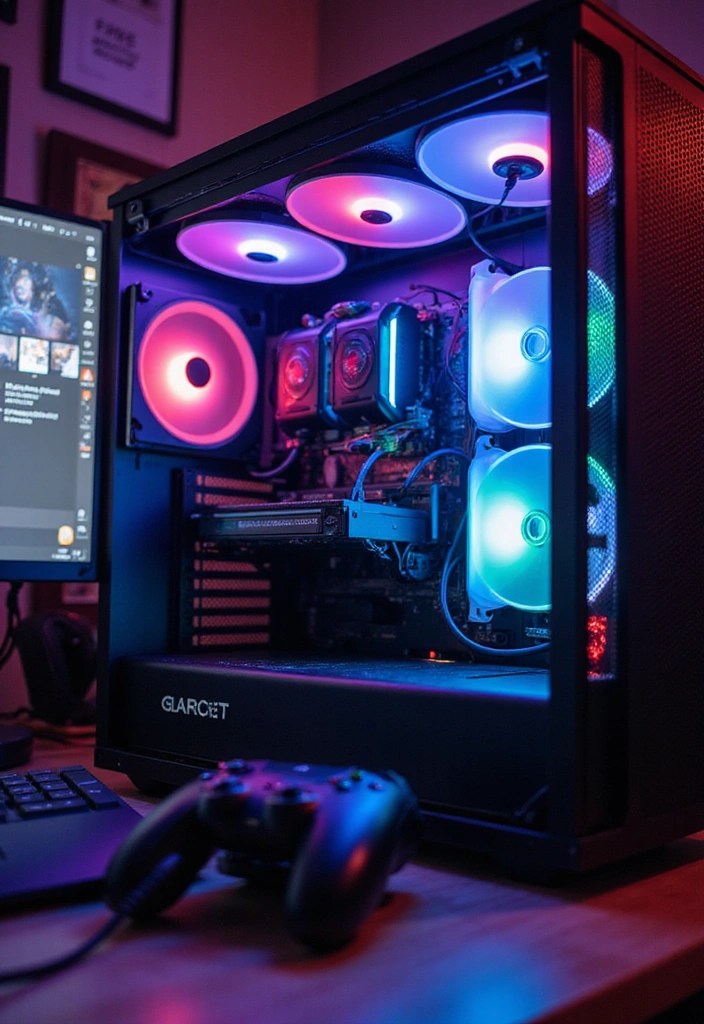
To achieve a seamless streaming experience, investing in high-quality hardware is imperative.
A robust gaming PC or console can efficiently run streaming software alongside your gameplay without any lag.
For those streaming from a console, a reliable capture card is essential for maintaining optimal video quality and enhancing your stream.
Equally important is your internet connection; upgrading to a high-speed router, or utilizing a wired connection with quality ethernet cables can significantly improve performance.
By equipping yourself with these high-quality tools, not only will your streaming quality be enhanced, but your confidence while gaming will also receive a significant boost.
Don’t forget to check out essential gaming accessories that can further elevate your streaming setup!
Get the Game Over Aesthetic:
10. Create a Comfortable Streaming Environment
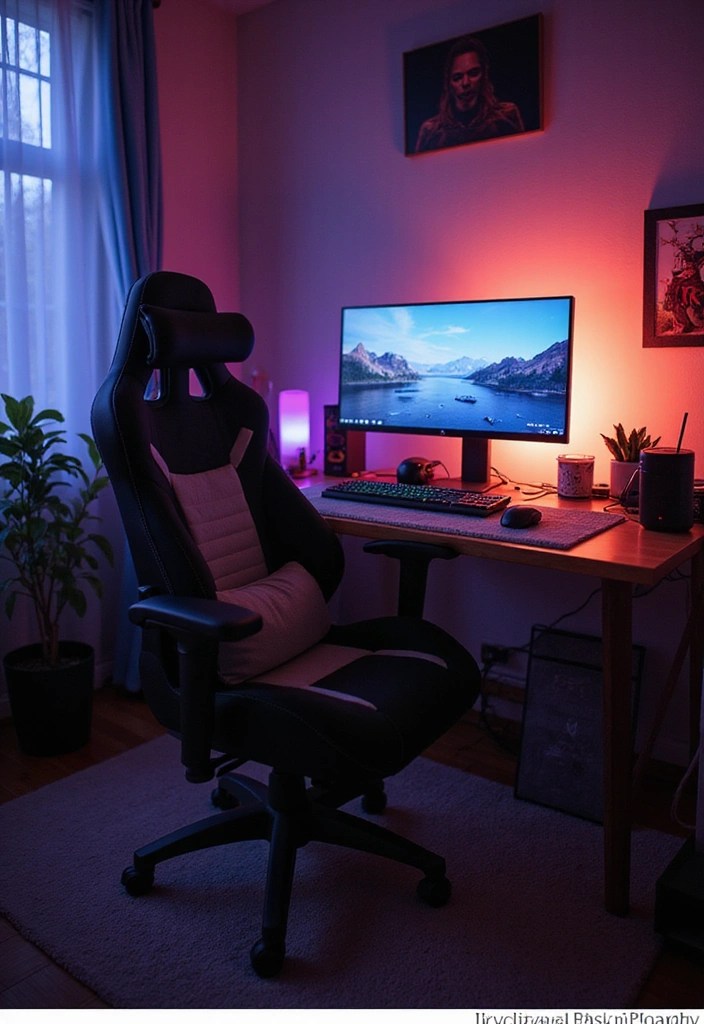
Comfort is essential for those lengthy streaming sessions, so investing in the right gear is crucial.
Start with an ergonomic gaming chair that offers excellent support and promotes proper posture. Adjust your desk height to ensure ergonomic positioning, making it easier to focus on your game and interact with viewers.
To further enhance your comfort, consider adding a footrest or desk cushions for added support.
Additionally, keep essential items within arm’s reach; a well-organized space with snack organizers and a hydration station can help minimize interruptions.
Not only will a comfortable streaming environment boost your performance, but it will also create a more enjoyable experience for your viewers.
Get the Game Over Aesthetic:
• Footrest
11. Utilize Multi-Platform Streaming
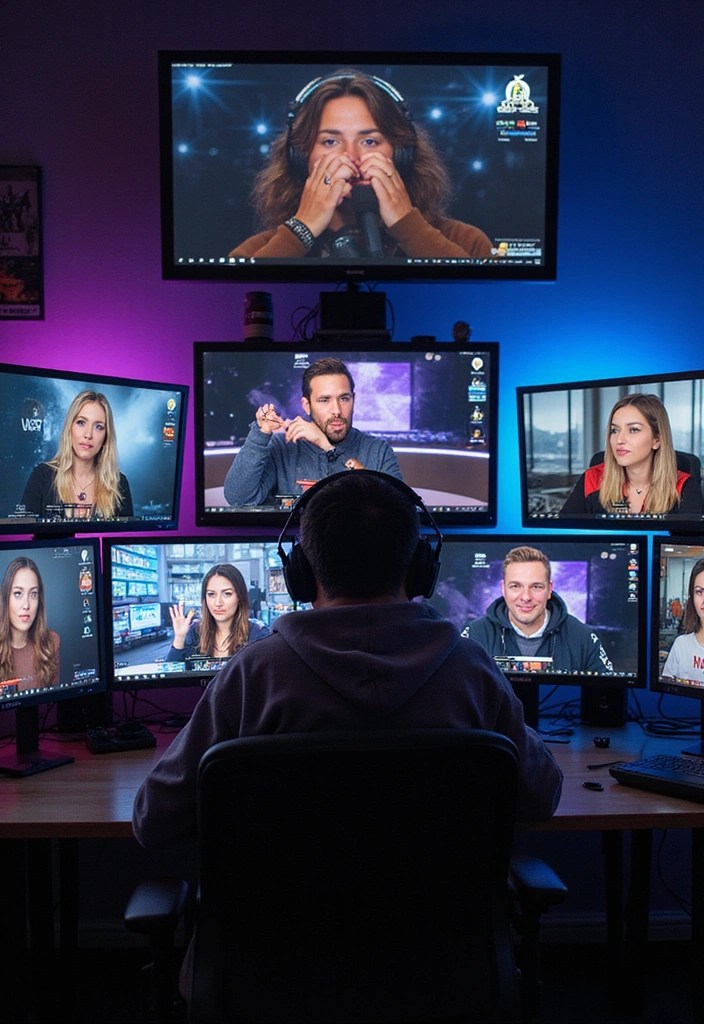
Reaching a wider audience is essential for any aspiring streamer, and one effective way to achieve this is through multi-platform streaming.
By using multi-streaming software, you can broadcast simultaneously on popular platforms like Twitch, YouTube, and Facebook Gaming. This strategy not only increases your visibility but also allows you to engage with diverse communities across these platforms.
To enhance your streams, consider incorporating platform-specific overlays that cater to each audience, making your content more appealing and tailored. Additionally, utilizing community engagement tools can help you interact with viewers more effectively, fostering a sense of community.
Lastly, to track your growth and understand your audience better, invest in audience analytics software and consider cross-platform integration services to streamline your streaming efforts. By adopting these tools, you can promote growth and diversify your viewer base like never before.
12. Stay Updated with Trends
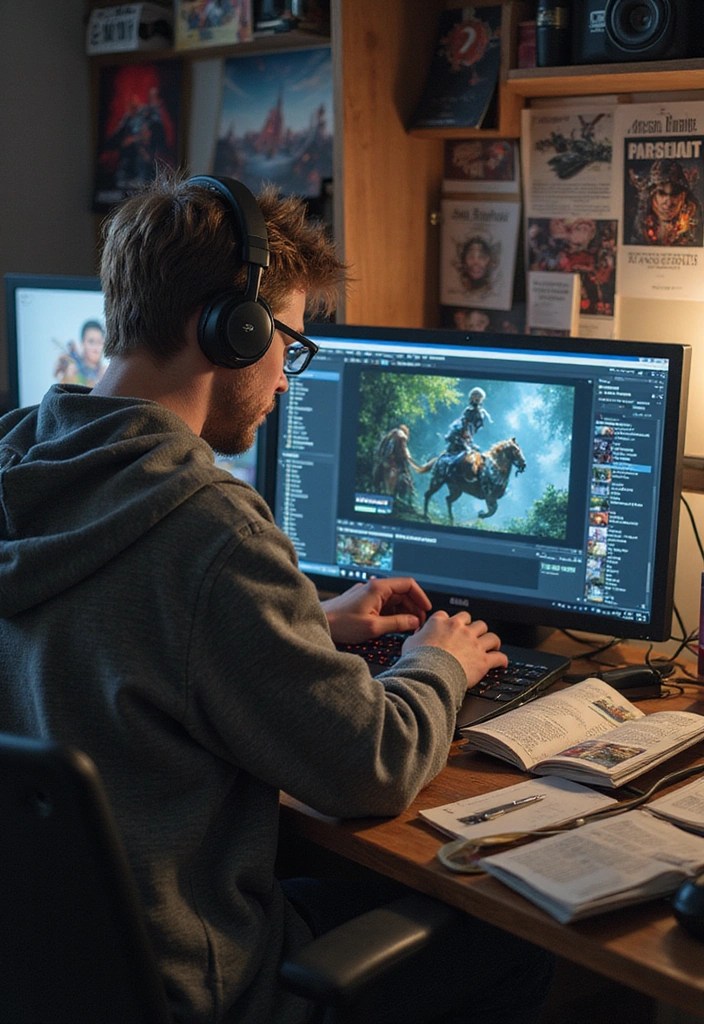
Staying updated with the latest gaming and streaming trends is essential for keeping your content fresh and engaging.
By following popular streamers and subscribing to gaming news outlets, you can stay informed about emerging games and innovative streaming techniques.
Utilizing trend analysis tools can help you identify what’s hot in the gaming world, allowing you to incorporate trending games or themes into your streams to capture viewer interest.
Additionally, exploring gaming magazines can provide deeper insights into industry shifts and community discussions.
Engaging with your audience about these trends not only fosters a sense of community but also positions you as a well-informed streamer. Don’t forget to show off your dedication to the community by showcasing popular streamer merchandise during your streams, enhancing your connection with viewers.
In this dynamic landscape, being in the loop not only boosts your content but also elevates your status as a knowledgeable figure in the streaming community.
13. Evaluate and Adjust Your Setup
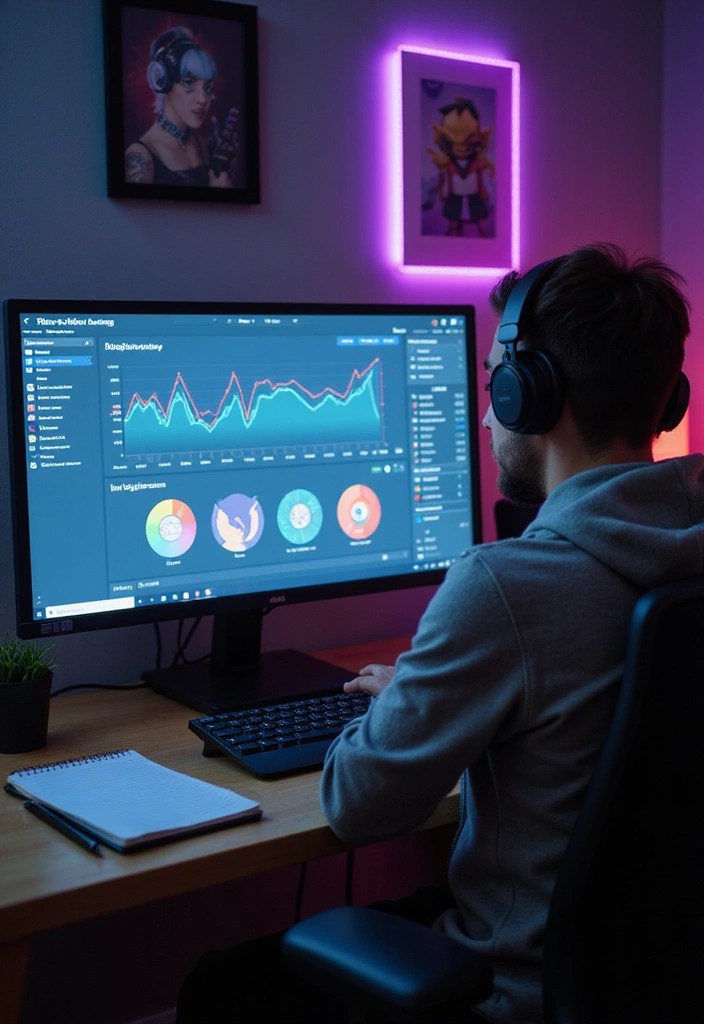
Regularly assessing your streaming setup is essential for ongoing improvement and success.
To enhance your experience, consider utilizing analytics tools to gather valuable insights into viewer preferences and engagement metrics.
Additionally, employing streaming setup review checklists can help you systematically evaluate your equipment and layout, ensuring nothing is overlooked.
Don’t hesitate to explore improvement strategy guides to refine your content approach based on viewer feedback and engagement.
Moreover, incorporating growth tracking software allows you to monitor your progress effectively.
By remaining adaptable and dedicating time to these evaluations, you will cultivate a vibrant and engaging streaming experience that can lead to significant growth in your streaming journey.
Conclusion
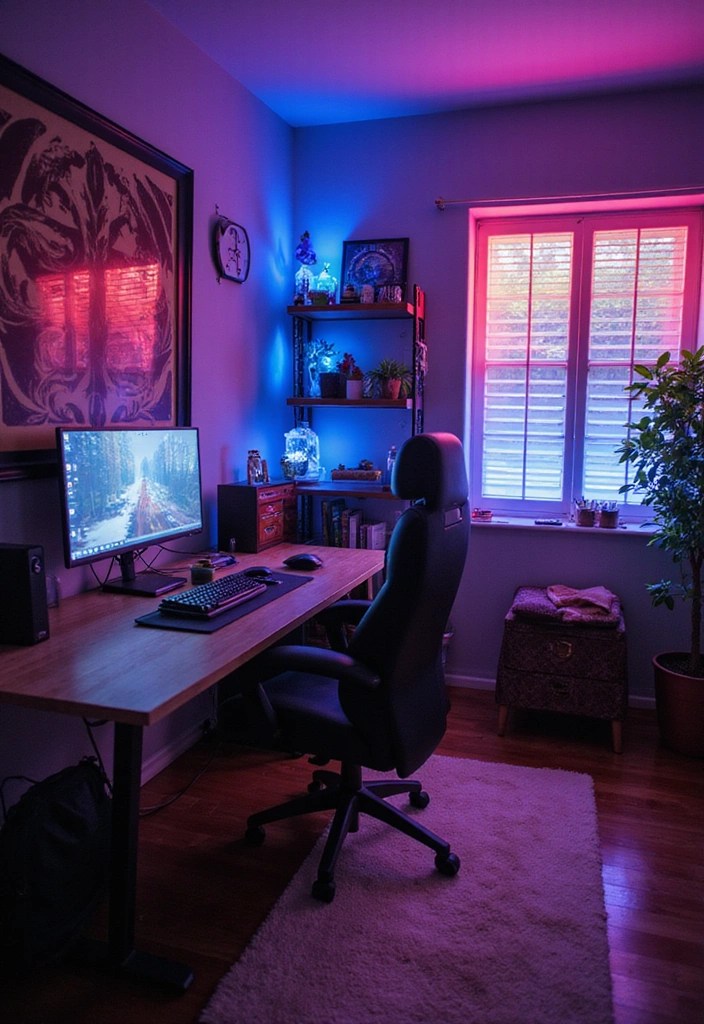
Transforming your game room into a streaming studio is an exciting journey that combines your love for gaming with the art of engaging an online audience.
By incorporating these tips, you can create a space that not only reflects your personality but also enhances your streaming quality.
Remember, the most important element is to have fun and connect with your viewers as you share your gaming adventures.
 GAME OVER AESTHETICS
Leave a comment